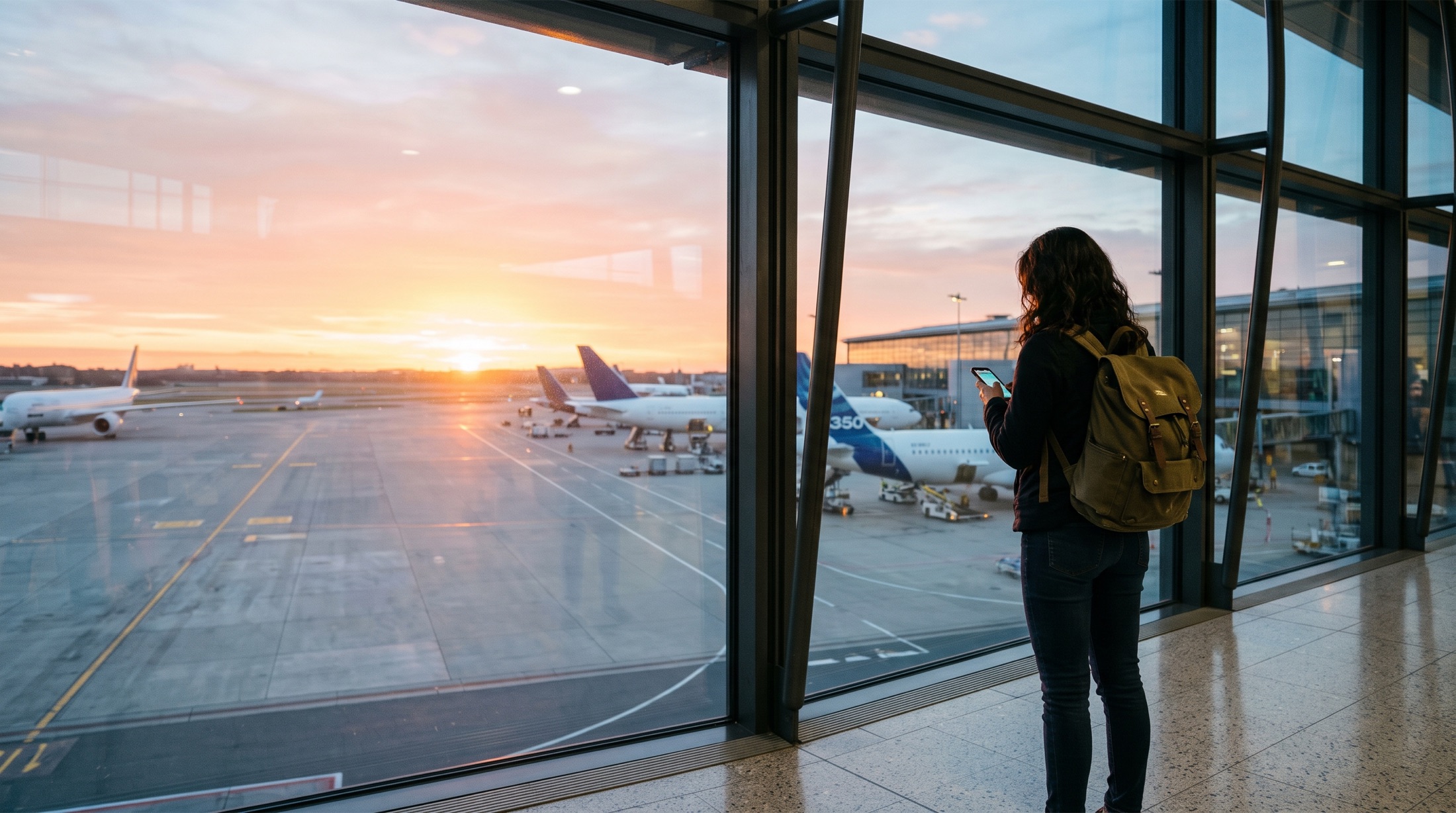
Online the moment you land.
Travel eSIMs from €1.49 for over 200 destinations. Fixed data or unlimited, one price, and your eSIM on screen and by email a few minutes after you pay.
Popular destinations
Prices for the smallest plan, 1 GB for 7 days
All destinations

eSIM Europe
We send the QR code and install link to this address.
- Full speed, no throttling
- No account needed
- Card, Apple Pay, Google Pay
- Coverage
- Plan type
- Data only, your own number keeps working
- Validity period
- Starts when the eSIM first connects in the destination
- Delivery
- Right after payment, on screen and by email
- Fair use
- Top-up
- More data on the same eSIM for most destinations
- Activation
- Within 180 days of purchase
Set up in three steps
-
Pick a plan and pay
Choose your destination and data size and pay by card. It takes about a minute.
-
Scan the QR code
It arrives by email. Scan it at home on Wi-Fi and the eSIM installs itself.
-
Land and connect
Switch the eSIM on when the plane stops. Your days only start counting then.
Will it work on my phone?
Dial *#06#. If the screen shows a line called EID, your phone takes an eSIM. It also has to be free of a carrier lock.
- iPhoneXR, XS and newer
- Google Pixel3 and newer
- Samsung GalaxyS20 and newer, Z Fold, Z Flip
- iPadcellular models from 2018
Questions before you fly
When does my plan start?
When the eSIM first connects to a network at your destination. Installing it at home does not start the clock.
Do I keep my number and WhatsApp?
Yes. Your own SIM stays in the phone for calls and texts, and the Arrivo eSIM carries the data. WhatsApp keeps working on your usual number.
Is there a phone number included?
No. These are data plans. You call over apps such as WhatsApp or FaceTime.
What if I run out of data?
You can add more data to the same eSIM for most destinations, without installing anything new.
How do the unlimited plans work?
You pick the number of days and stay online the whole time. Each day includes an amount of data at full speed, usually 1 to 3 GB; the plan details show the exact figure. After that the speed drops, to 1 Mbps for most destinations, until the next day starts. Maps, messages and email keep working. The full fair use policy has the details.
When should I install it?
Before the trip, while you have Wi-Fi. Then you only need to switch it on after landing.